
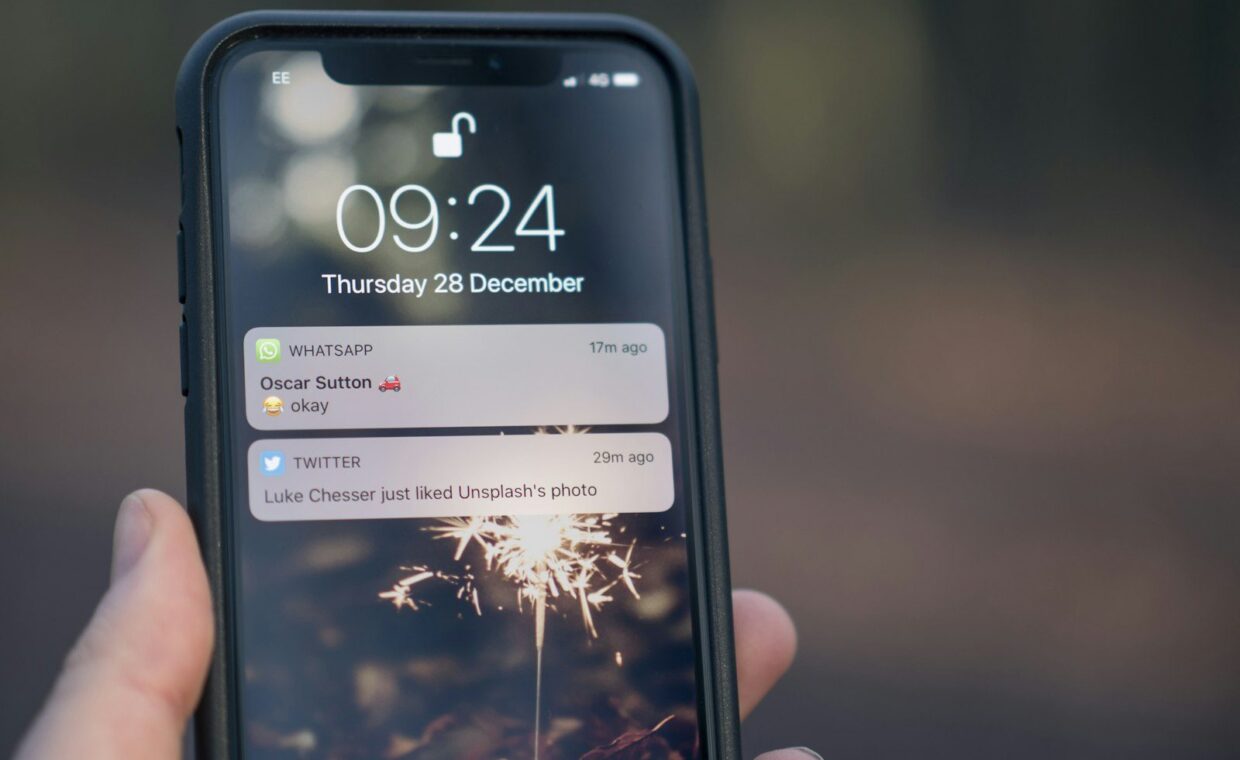
I once woke up to a notification at 6:14 a.m. telling me a return flight to Lisbon had fallen from around $740 to $389. By the time I’d made coffee, that price was gone. The alert did its job; I didn’t.
That morning taught me two things. Fare drops are real and they are violent, sometimes 40 percent off for a few hours. And a single alert from a single app is nowhere near enough to catch them, because each tool watches the market a little differently and pings you at a slightly different moment.
So I stopped relying on one notification and built a small net instead, a few free tools, layered, each covering the others’ blind spots. Here is exactly how I set mine up, in the order I’d do it again from scratch.
Step 1: Decide what you’re actually alerting on
Before you touch a single app, get specific. A vague alert (“flights to Europe”) will bury you in noise and you’ll mute it within a week. A sharp one (“LIS round trip, late September, under $450”) will earn a place on your lock screen.
I write three things on a sticky note first: the route, a rough date window, and a number that would make me book without overthinking it. That last figure matters most. If you don’t know your “yes” price, every alert becomes a maybe, and maybes don’t get booked, they get screenshotted and forgotten.
Pick a target that feels slightly too good. You want alerts only when the price is genuinely worth interrupting your day for. You can always loosen it later if nothing fires for a month.
Step 2: Set your anchor alert in Google Flights
Google Flights is where I start because its tracking is quietly excellent and it’s free. Search your route, pick your date window (or toggle “flexible dates” if you can move a day or two), then flip the Track prices switch on.
You’ll get a choice: track that one specific date, or track the whole route across any dates. I almost always pick “any dates” for the first pass. It surfaces the cheap pockets I’d never have guessed, a Tuesday departure that’s $120 less than the Friday I had in mind.
Google emails you when it thinks the price is notably low or trending down. It won’t catch every flash drop, but it’s a reliable baseline, and it’s smart enough not to spam you. Treat it as your steady background watcher.
Step 3: Add a second engine for coverage
Here’s the part most people skip. No single tool sees every fare. Some budget carriers don’t share inventory with certain aggregators, and a drop that shows up in one engine can be invisible in another for hours. If you’re weighing whether a no-frills carrier is even worth the hassle, my notes on which budget airlines are actually worth the fine print will save you a few painful surprises before you set the alert.
So I add a second watcher with different coverage. Skyscanner lets you set up price alerts on a route and emails you when the fare moves. Kayak does something similar and will even nudge you with a “prices are likely to rise” forecast, which is useful for deciding whether to pounce.
The point isn’t to drown in emails. It’s redundancy. When the same route drops and two tools ping me within the same hour, I trust it. When only one does, I open the other to confirm before I get excited.
Step 4: Layer in a push notification, not just email
Email is too slow for the violent drops. By the time you see it, refill your inbox, and click through, the fare can be gone. For the routes I genuinely care about, I want a buzz on my phone.
The “Hopper” app and similar trackers send push alerts and let you watch a specific trip. I keep push notifications on for my top two or three routes only, the dream trips, and leave everything else on slower email alerts. That split keeps my phone from crying wolf while still catching the fares I’d drop everything for.
Top routes get push notifications (instant, on the lock screen). Everything else gets email (fine for a $30 saving you can think about over lunch). Mixing the two is what makes the system livable.
Step 5: Join one or two deal feeds for the wildcards
Personal alerts catch drops on routes you’ve chosen. But the truly absurd fares, the mistake prices, the under-$300 long-hauls, usually break first inside curated deal communities, before the algorithms catch up.
I’m subscribed to a couple of flight-deal newsletters and one Telegram channel. They don’t know my route, so 90 percent of what they send is irrelevant to me. But the 10 percent is gold. A friend booked an improbable itinerary off one of these alerts; I broke down exactly how that fare was even possible in the story of how one reader flew Lisbon to Tokyo and back for under $300, and it started with a deal-feed ping, not a route alert.
One newsletter and one channel is plenty. More than that and you stop reading them, which defeats the purpose.
Step 6: Tune it after a week so it stays useful
A fare-alert system you set and forget slowly turns into spam. After about a week, I do a quick cleanup. Anything that pinged me with prices I’d never book gets its threshold tightened. Any route that went silent gets loosened slightly so it actually fires.
I also delete alerts for trips I’ve gone cold on. There’s no prize for tracking fourteen routes you’re not serious about, it just trains your brain to swipe notifications away without reading them, and then you miss the real one.
If you like having all your money tools in one place, several of the apps I lean on for this live in my roundup of apps that quietly cut everyday travel spending, alerts included.
What a finished setup looks like
By the end, my net for a single dream route has four layers: a Google Flights anchor watching any dates, a second engine for coverage, push notifications for the fast drops, and a deal feed for the wildcards. It took maybe twenty minutes to build and it runs entirely on its own.
The morning I missed that Lisbon fare, I had one alert. The next time a similar drop came through, I had four, and I’d booked it from my phone before the kettle finished. That’s the whole point, you’re not watching prices, the system is.
How many fare alerts is too many?
If you’re swiping notifications away without reading them, you’ve got too many. I cap push alerts at two or three favourite routes and keep the rest on slower email. Quality of attention beats quantity of alerts.
Do fare alerts ever cost money?
The core tools I use, Google Flights, Skyscanner, Kayak, are free to track with. Some apps offer paid “price freeze” features, but you never need to pay just to receive a drop alert. Be wary of anything charging for the alert itself.
How fast do I really need to act on a drop?
For ordinary dips, you’ve usually got a day or two. For genuine error fares, sometimes only hours, occasionally less. That’s exactly why push notifications matter for your top routes; email alone is often too slow.
Start with one route you actually dream about, not ten you sort of like. Build the four layers for that single trip, let it run for a week, then tune it. Once you’ve felt your phone buzz with a fare you’d have otherwise missed, you’ll never go back to refreshing a search tab and hoping.